Promo scenes
Alternating headline swap
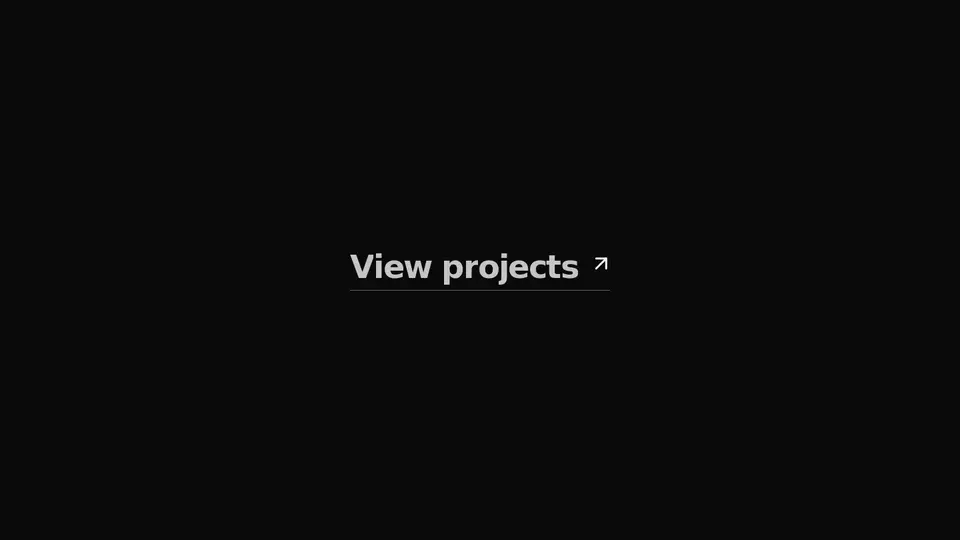
A headline link that rewrites itself on hover: letters part in opposite directions — even ones up, odd ones down — blur out, and the second wording rolls into their place. The footprint stays fixed, so nothing around it jumps.
React + Tailwind, shadcn-compatible: press “Copy for AI” and your Cursor or Claude Code agent installs it with the shadcn CLI.
What you can change
- the wordings: text at rest and hoverText under the cursor
- the link target href
- the accent color via the accent prop — it paints the arrow and the focus ring
A link for your AI agent: preview, code and instructions.
Preview
Use it with AI
- 1. Copy the link.
- 2. Write to your agent in your own words and drop the link into the sentence.
- 3. The agent opens the link and installs the component from the registry.
put this on the home page as the hero:
https://vibeui.club/c/text-001?lang=en&theme=dark
Not sure where to paste it? Step-by-step guide
Show the full instructions
What the link says, spelled out. Use it when your agent cannot open links — paste this text instead.
Loading…
How to use
<Text001 text="Explore work" hoverText="View projects" href="/works" />A sample call. The agent installs the component itself from the registry via the “Copy for AI” link.
Settings
- Label
text· default: Explore work- Label on hover
hoverText· default: View projects- Accent
accent· default: theme colour- Arrow
arrow· default: on- Wording color on hover
accentText· default: theme colour
More in Promo scenes
FAQ
- How do I add Alternating headline swap with Cursor or Claude Code?
- Press “Copy for AI” on this page and paste it into your agent's chat. The instruction contains the shadcn CLI install command, the dependencies and what to keep, so the agent installs this exact component instead of recreating a lookalike.
- What does Alternating headline swap depend on?
- No npm packages beyond React and Tailwind CSS.
- What can I change in Alternating headline swap?
- Adapt: the wordings: text at rest and hoverText under the cursor; the link target href; the accent color via the accent prop — it paints the arrow and the focus ring. Keep as installed: the local --vibeui-text-001-* palette — do not swap it for your theme tokens; the opposite letter directions: even up, odd down — that is the whole animation; both wordings sharing one grid cell: that is why the width does not jump on the swap.
- Is Alternating headline swap free?
- The preview is open to everyone; the source is available with a PRO subscription.
For developers
npx shadcn@latest add https://vibeui.club/r/pro/text-001.jsonThis command needs a signed link: sign in and open “Component source” below — it issues a working link valid for 30 minutes. All install options
Technical notes
The component is self-contained: one file, zero dependencies, palette in local --vibeui-text-001-* variables. It takes the theme from the environment via light-dark() plus a rule for the .dark class. No client JS: both wordings share one inline-grid cell, so the width is set by the longer of them and never jumps, and the swap itself is a transition on :hover and :focus-visible. Every letter sits in its own overflow:hidden box and travels 115% of its height; the direction comes from the --vibeui-text-001-dir variable (+1 on even letters, −1 on odd ones), which makes the line part in opposite streams. Transform runs 300 ms on a spring written out as linear() points, while opacity and blur run 180 ms on cubic-bezier(0.16,1,0.3,1): the blur is shorter than the travel and hides the moment of the swap. Each letter is offset by transition-delay: calc(stagger * index), 14 ms per letter. Type size is computed from the block's own width (container-type:inline-size, clamp with cqi), not from the viewport. The link spans the parent's width and keeps the wording centred (--vibeui-text-001-align), yet only the wording itself catches the cursor: pointer events are off on the stretched row, otherwise it would flip from a hover on the empty space beside it. Under prefers-reduced-motion the transitions are off and the wording simply changes. Under the cursor the wording, the underline and the arrow take the accent (--vibeui-text-001-accent-text): in dark mode it is lightened, because pure accent on a dark background reads dull.
Tags
- text
- animated text
- hover
- link
- swap
- letters
- stagger
- blur
- roll
Component source
The same file your agent installs. Here in case you would rather copy it by hand.
Loading…