Background
Full-screen snow
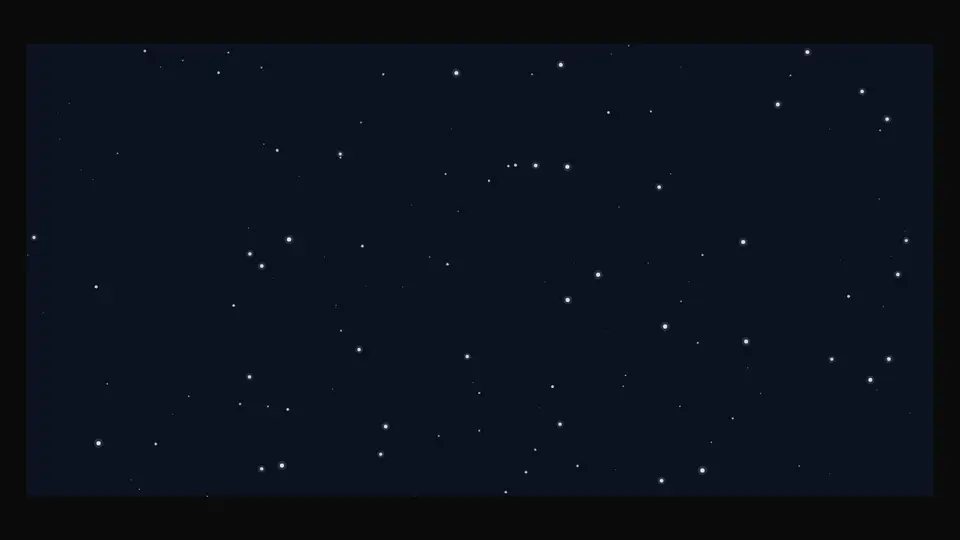
Snow over the page: a full-screen canvas with flakes at three depths — far ones small and pale, near ones bigger with a soft halo — falling at their own speed, swaying and drifting with the wind. Placed once at the page root, it runs from the hero to the footer and switches off from any header's button.
React + Tailwind, shadcn-compatible: press “Copy for AI” and your Cursor or Claude Code agent installs it with the shadcn CLI.
What you can change
- density, wind, speed, scale, color, backdrop, zIndex
- fixed — full screen or inside the parent; paused — off without unmounting
- className and style
A link for your AI agent: preview, code and instructions.
Preview
Use it with AI
- 1. Copy the link.
- 2. Write to your agent in your own words and drop the link into the sentence.
- 3. The agent opens the link and installs the component from the registry.
put this on the home page as the hero:
https://vibeui.club/c/background-006?lang=en&theme=dark
Not sure where to paste it? Step-by-step guide
Show the full instructions
What the link says, spelled out. Use it when your agent cannot open links — paste this text instead.
Loading…
How to use
{/* once at the page root, over everything */}
<Background006 density={1} wind={0.25} zIndex={50} />

{/* inside a section, not full screen */}
<section style={{ position: "relative" }}>
  <Background006 fixed={false} backdrop="#0b1220" />
  …
</section>
A sample call. The agent installs the component itself from the registry via the “Copy for AI” link.
Settings
- Density
density· default: 1- Wind
wind· default: 0.25- Speed
speed· default: 1- Colour
color· default: #ffffff- Backdrop
backdrop· default: theme colour
Used in scenarios
More in Background
FAQ
- How do I add Full-screen snow with Cursor or Claude Code?
- Press “Copy for AI” on this page and paste it into your agent's chat. The instruction contains the shadcn CLI install command, the dependencies and what to keep, so the agent installs this exact component instead of recreating a lookalike.
- What does Full-screen snow depend on?
- No npm packages beyond React and Tailwind CSS.
- What can I change in Full-screen snow?
- Adapt: density, wind, speed, scale, color, backdrop, zIndex; fixed — full screen or inside the parent; paused — off without unmounting; className and style. Keep as installed: three flake depths — different size, speed, opacity and a halo on the near ones; the pause in hidden tabs and out of view, the static frame under prefers-reduced-motion; pointer-events:none — the layer never intercepts page clicks.
- Is Full-screen snow free?
- The preview is open to everyone; the source is available with a PRO subscription.
For developers
npx shadcn@latest add https://vibeui.club/r/pro/background-006.jsonThis command needs a signed link: sign in and open “Component source” below — it issues a working link valid for 30 minutes. All install options
Technical notes
One file, zero dependencies, “use client”. The layer is a <div> position:fixed inset:0 pointer-events:none (fixed=false — absolute inside the parent, for previews and sections) with a <canvas>. Flakes are seeded by area (density=1 is about 140 per 1440×900), each with a depth that sets radius, speed, opacity and halo. Wind is a shared drift plus a slow sine “breath”; leaving one edge wraps to the other. A requestAnimationFrame loop with time delta; it stops in a hidden tab (visibilitychange), when the layer is out of view (IntersectionObserver) and on paused. Retina via devicePixelRatio up to 2, sizing via ResizeObserver. External switch: data-vibeui-snow="off" on <html> and a vibeui-snow event on window — the layer re-reads the attribute and stops or restarts. prefers-reduced-motion draws one static frame of sparse flakes. Colour, density, wind, speed, backdrop and z-index are props.
Tags
- snow
- winter
- particles
- canvas
- overlay
- fullscreen
- ambient
- christmas
- wedding
- decorative
Component source
The same file your agent installs. Here in case you would rather copy it by hand.
Loading…